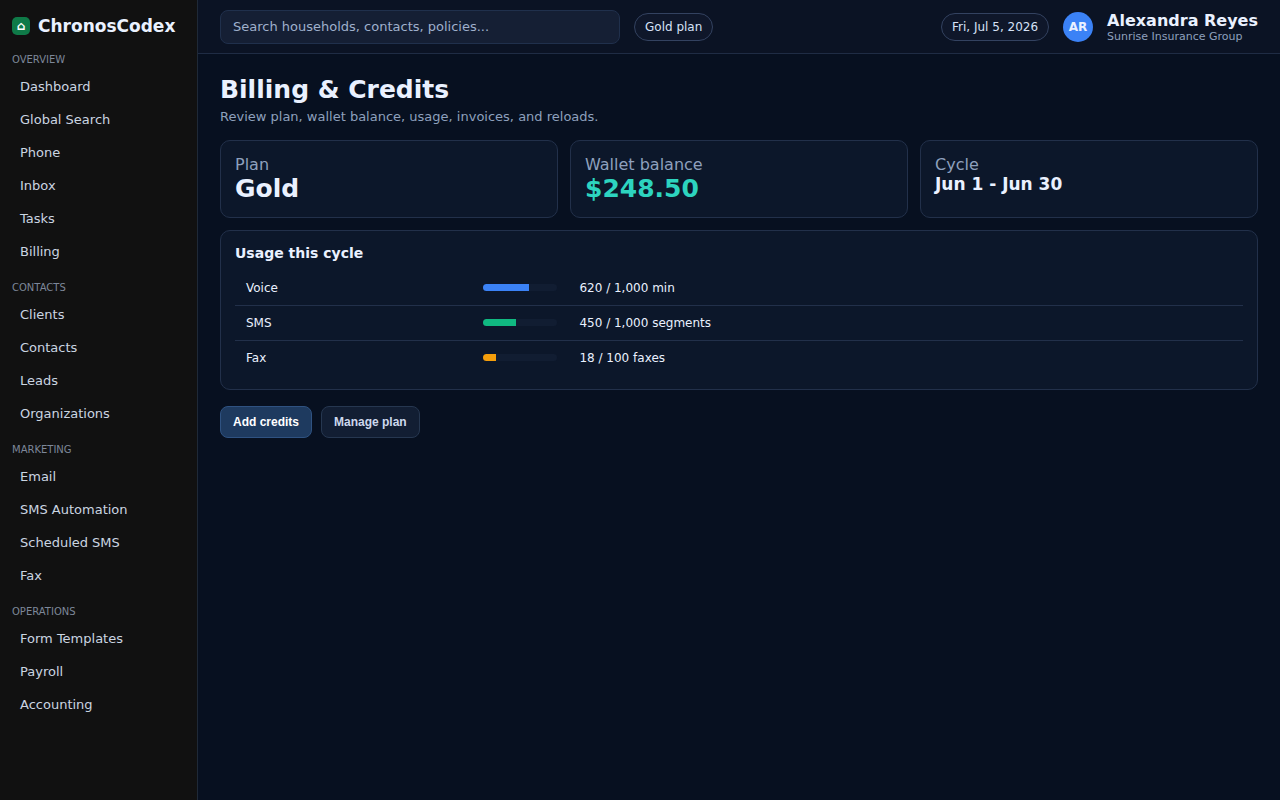
Wallet reloads help agencies keep usage-based features funded, including communication or automation add-ons where enabled.
Before You Start
- Open Billing with an owner or admin account.
- Confirm the payment method and the amount needed.
- Review current wallet balance and usage needs.
Step-by-Step
- Open Billing from the left navigation.
- Find the wallet, usage, or credits area.
- Choose the reload/add funds action.
- Enter the reload amount.
- Confirm the payment method.
- Submit the reload.
- Wait for the balance to refresh before starting high-volume sending or calling.
Confirm It Worked
- The wallet balance updates.
- A billing entry or receipt is visible.
- Usage-based tools no longer show insufficient balance warnings.
Common Issues
- If the payment fails, verify the card and billing address.
- If the balance does not refresh, reload the Billing page once.
- If an urgent campaign is blocked, contact support with the billing timestamp.
Need help or see a different screen? Reply below with the page you are on and what you expected to happen.

ChronosCodex — The Complete Insurance Management System for Agencies
chronoscodex.com