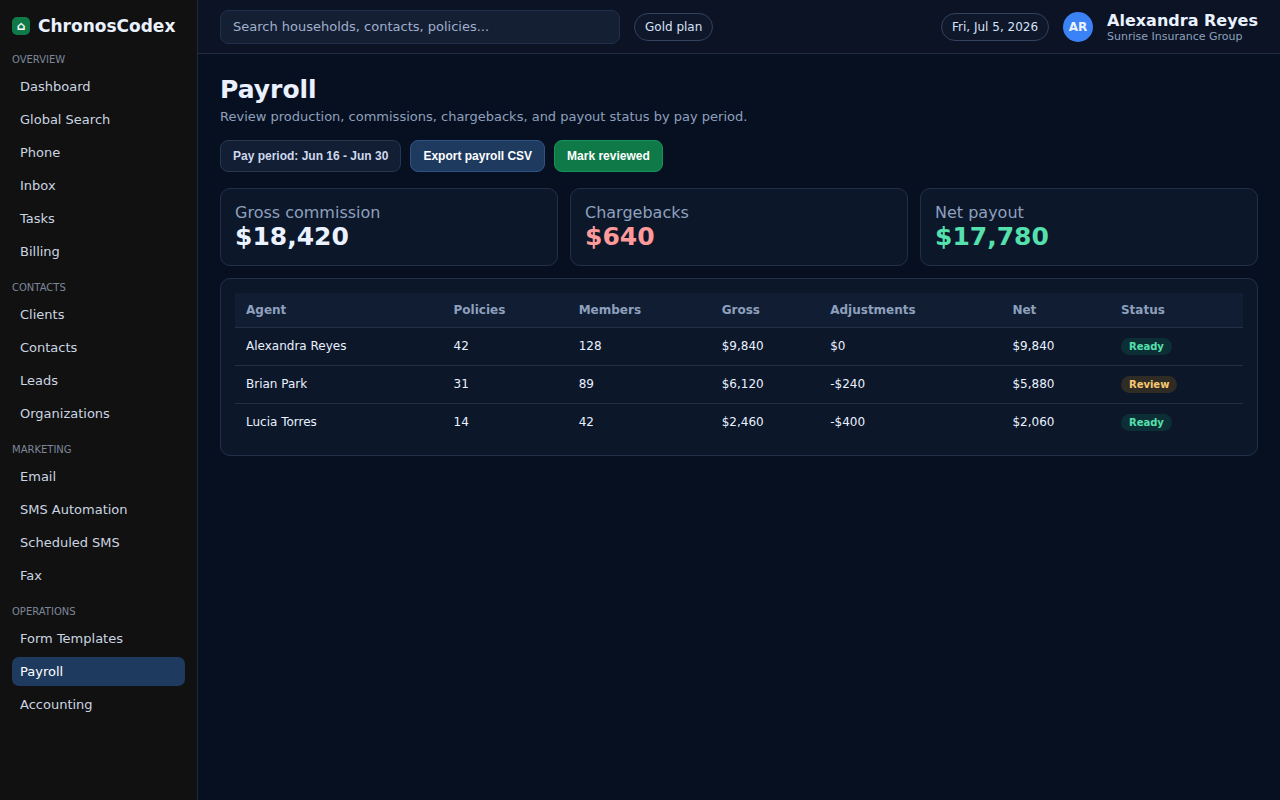
Payroll workflows help agency owners review team activity, seats, commissions, and compensation-related records.
Before You Start
- Use an owner/admin account.
- Confirm each team member has the correct role and active status.
- Review commission and payroll rules before making changes.
Step-by-Step
- Open Team or Billing, depending on where your agency manages seats and compensation.
- Review active users, pending users, and assigned roles.
- Confirm the writing agent or owner on relevant policies.
- Open commission or accounting views when payroll depends on production.
- Export or review the period you are paying.
- Check exceptions, missing policies, chargebacks, or pending commissions.
- Record payout decisions according to agency policy.
Confirm It Worked
- Active users match the team you expect to pay.
- Commission or production records match the pay period.
- Exceptions are documented before payout.
Common Issues
- If a user is missing, review Team invitations.
- If a commission is missing, confirm policy status and writing agent.
- If payroll rules changed, document the effective date before applying them.
Need help or see a different screen? Reply below with the page you are on and what you expected to happen.
ChronosCodex — The Complete Insurance Management System for Agencies
chronoscodex.com